Features
What Inolab keeps track of
Automation and the assistant are only as good as the data that is recorded. Every feature below can be used with or without AI.
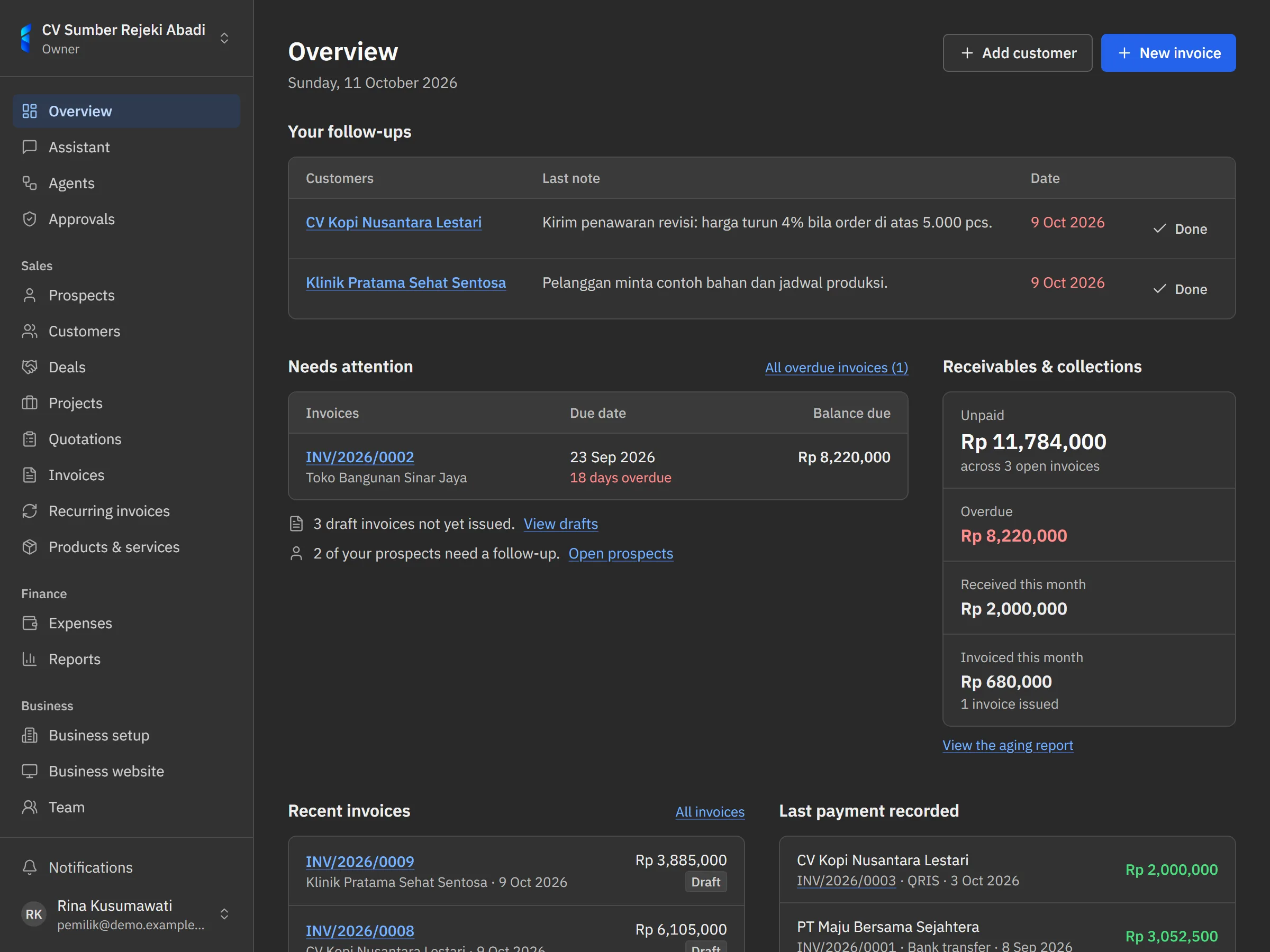
- Customers & deals
- Keep customer contacts and tax numbers, log calls, visits, and follow-ups, and follow every deal from first contact to won or lost.
- Invoices
- Invoice numbers are generated, VAT is calculated, and your logo appears on the invoice and the PDF. Send it by email in the customer's language, with your business's payment instructions.
- Product & service catalog
- Keep standard prices with their units. When you create an invoice, pick from the catalog; the name, unit, and price are copied to the invoice line.
- Payments
- Record the transfers, QRIS, cash or card payments you receive. Invoices change to partially paid or paid on their own.
- Projects
- Link invoices and expenses to a project to see the contract value, what has been invoiced, what is still owed, and the margin.
- Point of sale (POS)
- Sell in the browser of a computer or phone with a barcode scanner. Totals are worked out on the server, stock goes down per outlet, and every shift closes with a drawer count.
- Business website
- A website at your own inolab.id address, made from the business profile and catalogue. Messages and price requests from the site arrive as prospects.
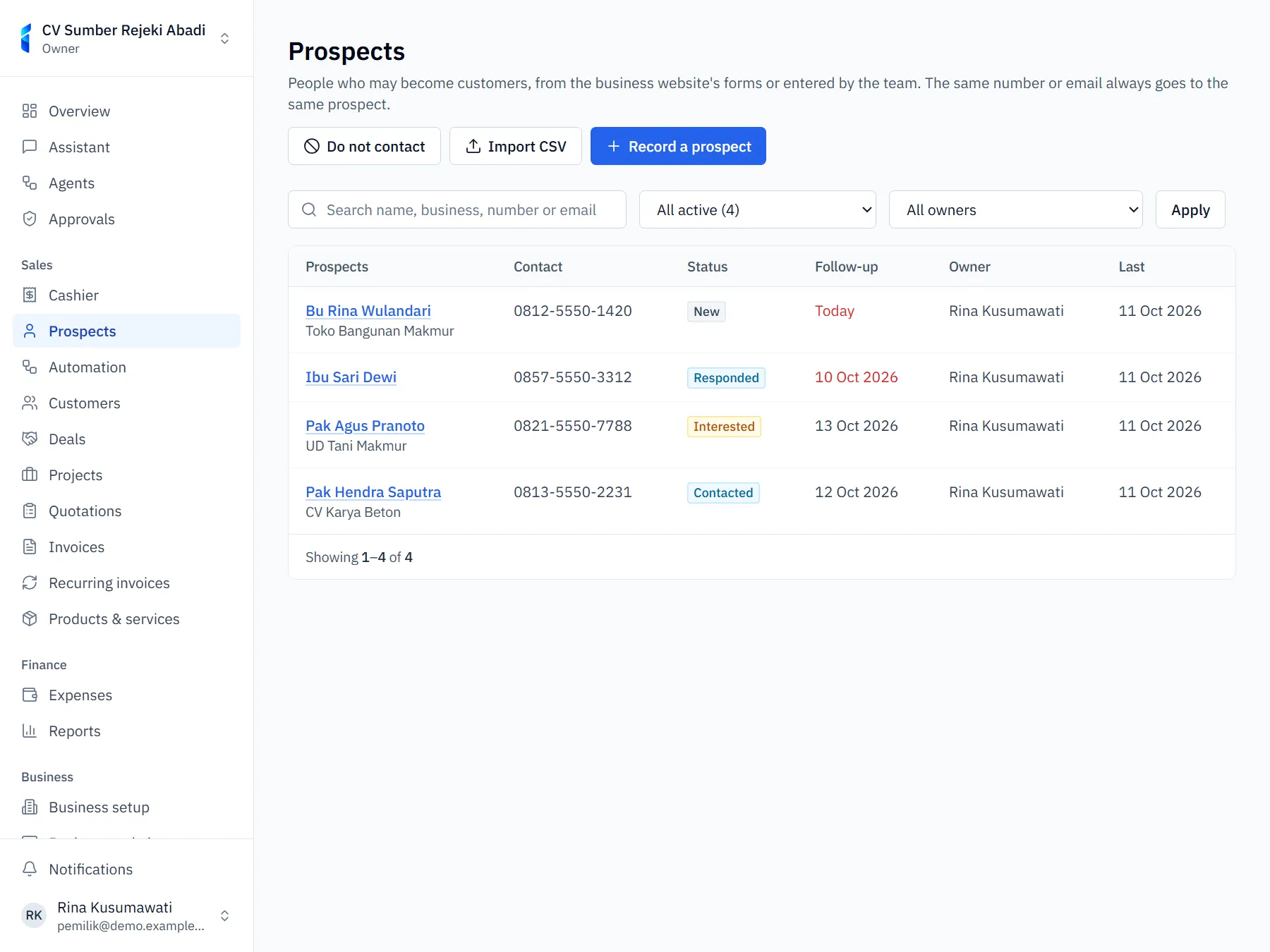
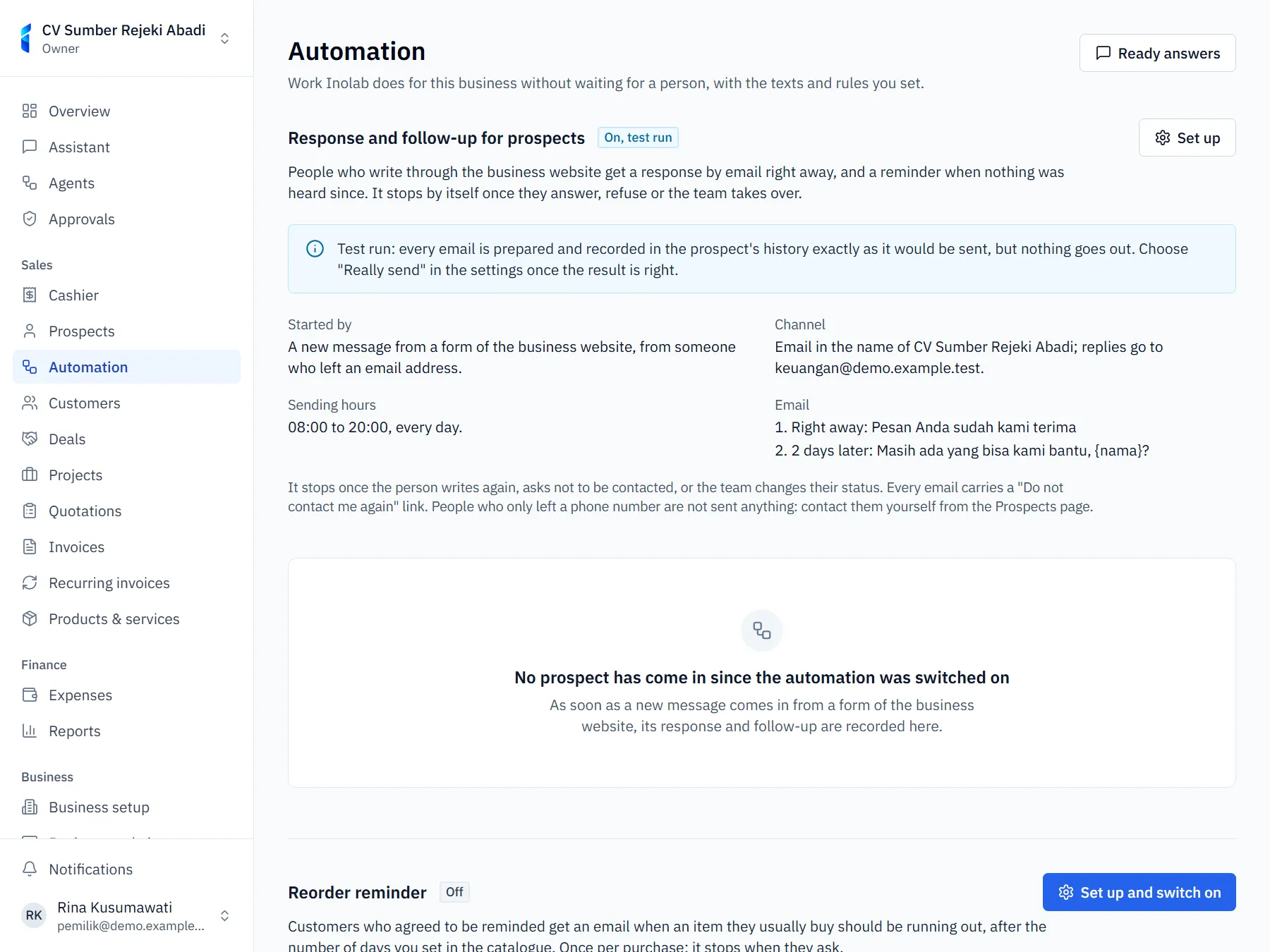
- Prospects & automation
- Every prospect has a status, an owner and a follow-up. The first response, reminders and reorder reminders can run on their own, by rules you set.
- Receivables & reports
- Receivables aging per customer, revenue per month, cash flow, a simple profit and loss, and an output and input VAT summary. Downloadable as CSV.
- Team & security
- Invite colleagues as owner, admin, manager, staff, or member. Two-step authentication, per-device sessions, and an activity log. The Enterprise plan can sign in with SSO.
- API & webhooks
- Connect other systems through the API, scoped API keys, OAuth apps, and signed webhooks.